
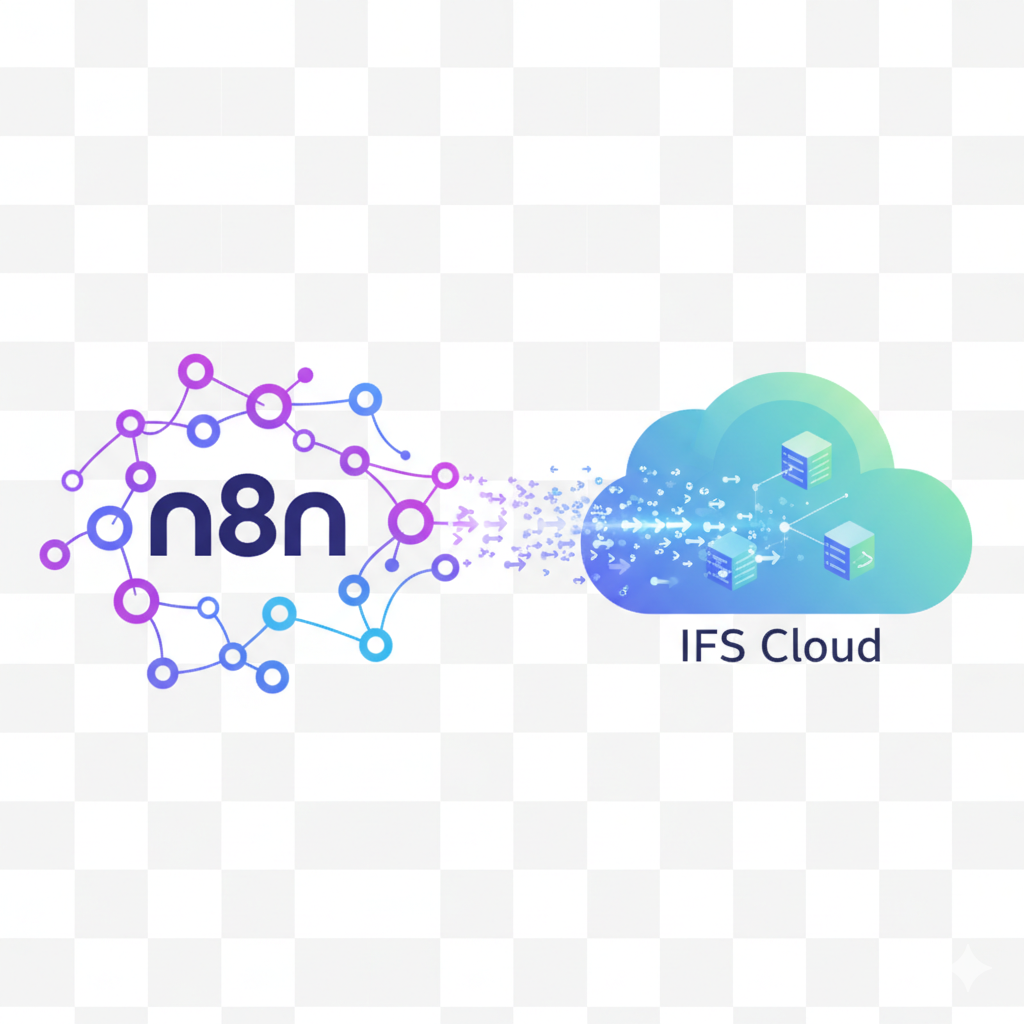
Introduction: Why Security Comes First
60% of ERP automation projects fail due to security gaps or deployment missteps. Here’s how to avoid both.
You’re sold on the power of n8n + IFS Cloud: 60% cost savings, real-time automation, and no vendor lock-in. But here’s the catch: A single misconfiguration could expose sensitive ERP data, violate compliance, or bring workflows crashing down.
Most guides gloss over the how of secure deployment. This one doesn’t. We’ve helped 20+ enterprises roll out n8n with IFS Cloud without a single security incident using the checklist below. Whether you’re an IT director, DevOps engineer, or process owner, you’ll learn:
- How to isolate n8n from your core network (while keeping it fast).
- The exact IFS Cloud API permissions you need (no over-provisioning).
- Backup scripts to recover from failures in minutes.
- Audit trails that pass SOC2/GDPR scrutiny.
By the end, you’ll have a production-ready n8n instance integrated with IFS Cloud — and the confidence to scale.
Prerequisites: What You’ll Need
| Requirement | Details | Owner |
|---|---|---|
| IFS Cloud API Access | Admin credentials for IFS Cloud REST API (v2+). | IT/ERP Admin |
| Server Infrastructure | Self-hosted server (on-prem or private cloud) with Docker/Kubernetes support. | DevOps |
| n8n License | Open-source (free) or enterprise license (for advanced features). | Procurement |
| SSL Certificates | Wildcard cert for your n8n domain (e.g., n8n.yourcompany.com). |
Security Team |
| Backup Storage | S3-compatible storage (e.g., MinIO, AWS S3) for workflow backups. | IT |
Step 1: Secure Your n8n Instance
A. Installation Best Practices
Self-hosted options: Docker (recommended), npm, or Kubernetes.
Isolation: Run n8n in a dedicated VLAN or container network.
Code Snippet: Docker-compose.yml for n8n with IFS Cloud:
version: '3'
services:
  n8n:
    image: n8nio/n8n
    restart: always
    ports:
      - "5678:5678"
    environment:
      - N8N_BASIC_AUTH_ACTIVE=true
      - N8N_BASIC_AUTH_USER=<your_username>
      - N8N_BASIC_AUTH_PASSWORD=<your_secure_password>
      - N8N_HOST=your-domain.com
      - N8N_PROTOCOL=https
    volumes:
      - n8n_data:/home/node/.n8n
Why it matters: Prevents unauthorized access and ensures encrypted traffic.
B. Data Encryption
- At rest: Enable volume encryption for
/home/node/.n8n. - In transit: Enforce TLS 1.2+ for all communications.
- IFS Cloud credentials: Use n8n’s Credential Management (never hardcode API keys).
Step 2: Configure IFS Cloud Integration
A. Set Up IFS Cloud API User
Create a dedicated API user in IFS Cloud with least-privilege roles (e.g., IFS_Connect + custom permissions).
B. Test the Connection
Use n8n’s IFS Cloud node to validate authentication.
Troubleshooting: Common errors (e.g., 403 Forbidden) and fixes.
Step 3: Access Controls & Audit Trails
A. Role-Based Access (RBAC)
| Role | Permissions | Example Users |
|---|---|---|
| Admin | Manage workflows, credentials, and users. | IT Lead |
| Editor | Create/edit workflows (no credential access). | Process Owners |
| Viewer | Run workflows (no edits). | End Users |
B. Audit Logging
- Enable n8n’s execution logs and forward to SIEM (e.g., Splunk, ELK).
- Retention Policy: Store logs for 90+ days for compliance.
Step 4: Backup & Disaster Recovery
A. Automated Backups
Script: Cron job to back up .n8n directory to S3:
0 3 * * * tar -czvf /backup/n8n_$(date +%F).tar.gz /home/node/.n8n && aws s3 cp /backup/n8n_*.tar.gz s3://your-bucket/B. Restore Process
Step-by-step instructions to restore from backup.
Step 5: Pilot Workflow & Monitoring
A. Start Small
Deploy a low-risk workflow (e.g., «IFS Cloud → Slack alerts for stockouts»).
Monitor: Use n8n’s Execution History and IFS Cloud audit logs.
B. Alerts
Set up notifications for failed workflows (e.g., Slack + PagerDuty).
Step 6: Scale Securely
- High Availability: Deploy n8n in a cluster with Redis for queue management.
- Performance: Benchmark workflow execution times (target: <2s per trigger).
Common Pitfalls & Fixes
| Issue | Cause | Solution |
|---|---|---|
| Workflow timeouts | IFS Cloud API rate limits. | Implement retry logic in n8n. |
| Missing data in outputs | Incorrect IFS Cloud node config. | Validate JSON paths in test mode. |
| Unauthorized access attempts | Weak credentials. | Rotate API keys and enable 2FA. |
Next Steps: From Deployment to Automation
Ready to deploy? Book a 30-minute security review with our team and we’ll audit your setup for free.